mBot2 Robot Review: Personal Experience with Assembly, Programming Challenges, and AI Insights
A user reviews the mBot2 educational robot kit, noting its 25,000 yen price, successful assembly, initial Bluetooth connectivity issues resolved via smartphone, and capabilities for movement, speech, music, and obstacle avoidance. The review highlights the value of the guidebook and reflects on programming limits versus emerging physical AI autonomy.
Even in my 40s, I find myself fascinated by robots these days.
To begin with, I want to know how robots move.
So, I was looking for a children's robot learning kit that I could assemble and program myself, and I found something that looked just right!
That is the "mBot2" robot.
It has cute, big eyes, and it seems you can learn everything from assembly to programming.
The deciding factor above all else was that the target age is 8 and up. Haha.
I figured if it's for that age, I should be fine.
The price is high for an educational kit.
22,000 yen for the robot itself, plus a separately sold guidebook and a USB memory stick, coming to a total of about 25,000 yen.
Expensive!
But this is where I use my 40-something financial power. I decided to splurge on it as a Christmas present to myself.
I tried building it! However...
When it arrived, I cheered, "Oh!"
I immediately started assembling the robot.
Assembly is also an important part of the learning process.
This is the device that becomes the robot's brain.
These are things like the ultrasonic sensor.
By assembling it myself, I can deepen my understanding of what kind of devices are used and where.
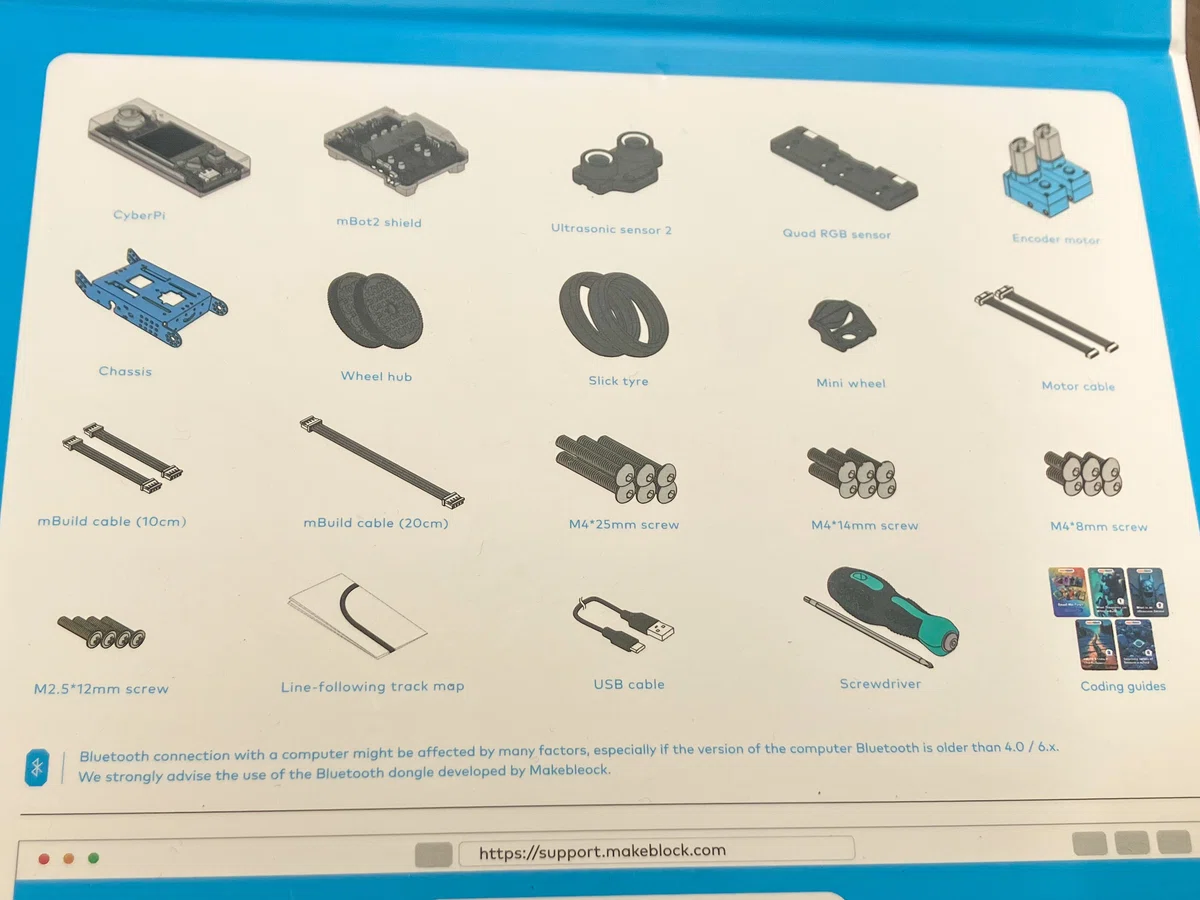
Everything has gone smoothly up to this point.
However, that was when I hit a snag.
The connection between the computer and the robot just wouldn't work.
According to the specifications and manuals, it says to download the dedicated software and communicate via Bluetooth, but
I tried for about an hour, but it wouldn't budge at all.
My frustration gradually grew.
My husband, for his part, was furious, shouting, "This is a complaint! Return it! Chinese-made products are no good!"
In the end, I tried again on another day using a "smartphone," and this time it was a success.
So, why did it fail on the PC?
Could the cause be that the PC software hasn't been updated?
Or, since it's a robot made in China, does it not support Japanese?
I wonder how other users fared? I'd like to know.
Now! Let's give the robot some instructions
From here on, it's one surprise after another.
If you instruct the robot to "move for X seconds at X speed," it moves exactly as told!
If you instruct it to "say hello," it says "Hi!"
The robot can even play music that I composed myself! You can even adjust the volume!
If you tell it to "glow in rainbow colors," it flashes colorfully!
Because it has an ultrasonic sensor, if you instruct it to "turn 90 degrees to the left 20 centimeters before an obstacle," it brilliantly avoids the obstacle and keeps running.
I'm so excited by this smart robot!
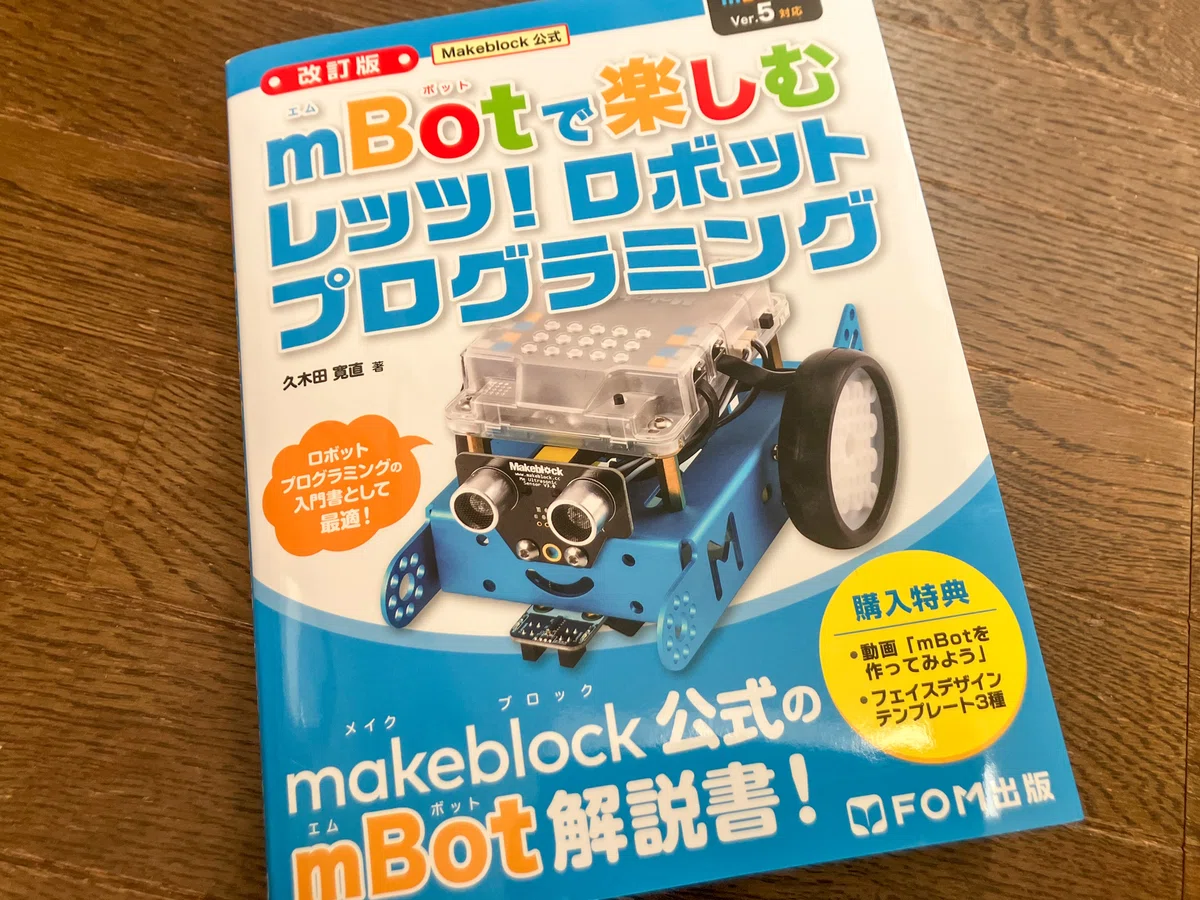
On the other hand, what I realized is
how important the "instructions" that dictate a robot's movements are.
If you want a robot to perform more advanced movements,
you need to provide more elegant, efficient, and logical instructions.
This is what is known as "good programming."
Also, I was able to get a sense that
there is a "limit" to giving instructions to a robot one by one,
even with the most elegant programming.
That is why I also somewhat understood that the emergence of physical AI, which
can "think and act on its own," is truly groundbreaking.
As per my original goal,
I was able to deepen my understanding of robot operation, albeit vaguely, through this educational robot.
Above all, the joy of seeing it move exactly as I instructed is immense.
The robot is also endearing, and I am growing more and more attached to it.
It cost 25,000 yen, but I am so glad I bought it!